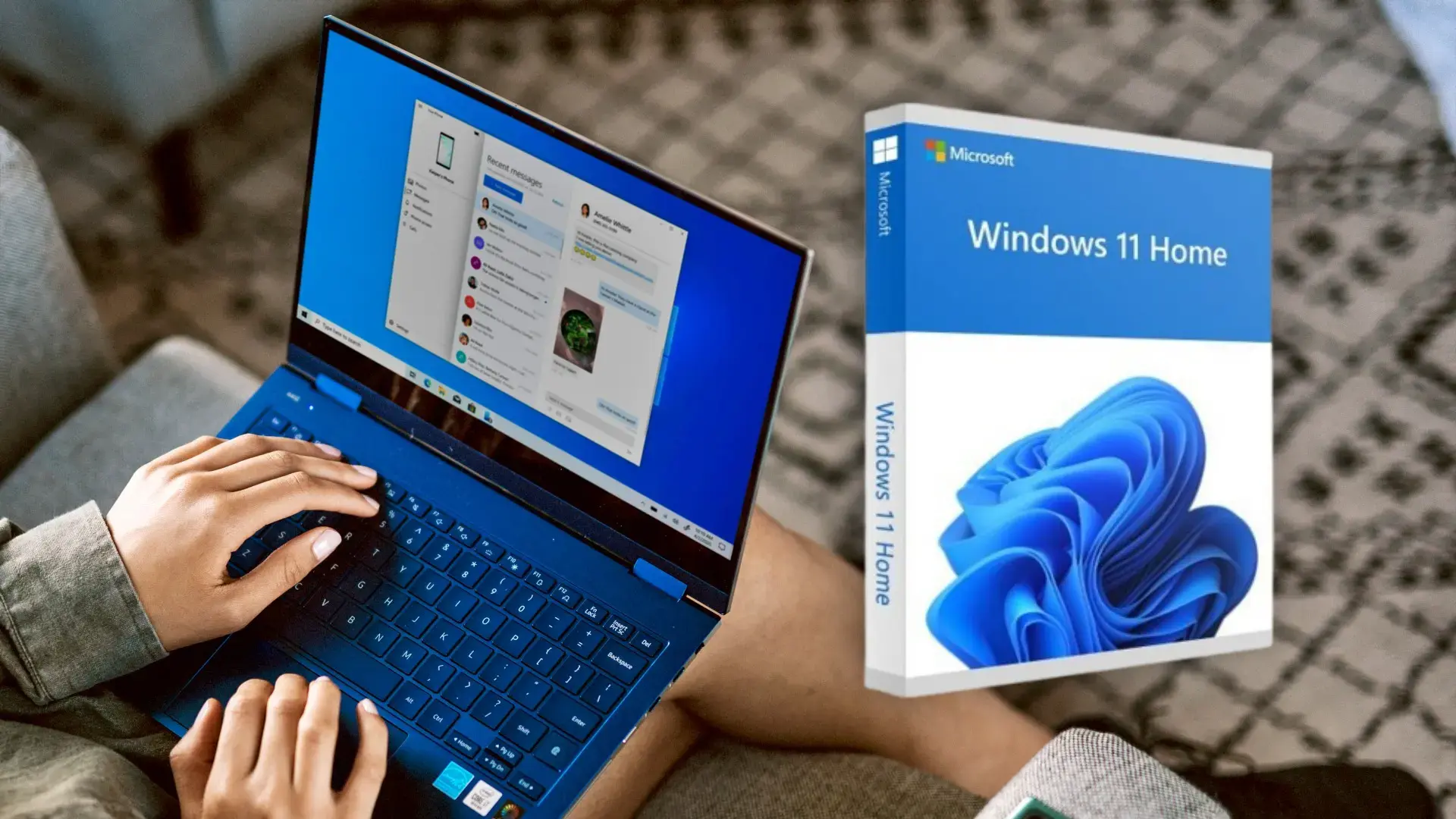
Microsoft Office And Windows Licensing For Small Business: Affordable Options. Strategic investments that guarantee compliance, minimize long-term risk and expand with growth is the most effective way to minimize risks. The combination of gray-market Windows 11 OEM keys as well as separate Office license purchases lead to a non-manageable and vulnerable IT infrastructure. Cost-effectiveness is based on knowing the ways in which Windows licensing, Office subscriptions, and even security tools interact to create a cohesive system. This guide outlines ten crucial considerations beyond just price tags for building an effective, sustainable and affordable software ecosystem for expanding enterprises.
1. Windows 11 Home has no place in the business.
The most expensive and popular error is to buy a low-cost Windows 11 Home key for corporate workstations. Windows 11 Home is not able to join the Active Directory domain or Azure AD. Additionally, it is not equipped with BitLocker encryption for sensitive information and doesn't have local Group Policy. It also forces disruptive updates. For any machine handling business data, `windows 11 lizenz` must mean Windows 11 Pro. The relatively low upfront cost when as compared to Home is not to be negotiated in terms of security, management and professionalism. Businesses that use Home licenses run on software that is designed for consumers, and can be a liability.
2. OEM vs. Retail: The "Hardware Refresh" Cost Calculator.
If you're buying Windows 11 as a business, your decision between OEM and Retail has long-term consequences. A OEM license is more affordable in the beginning, but expires with the first PC it's installed on. Retail licenses are transferrable. For disposable, budget PCs you'll replace them all every 3-4 years, OEM can make sense. For higher-end workstations or if you update components on your own, Retail licenses save money over time. Calculate TCO (Total Cost of Ownership): If a PC has a lifecycle cost of $800 and if an OEM Pro licence is $140 and Retail is $200, then the premium of $60 for Retail is essentially an insurance policy for future flexibilities.
3. Microsoft 365 Ecosystem is where true cost-effectiveness lives.
The time of a one-time office lizenz purchase (like Office 2021) is ending for dynamic businesses. Microsoft 365 Premium Business (approx. The most often, the bundle with the lowest cost is the Microsoft 365 Business. It includes: Windows 11 Pro upgrade rights (solving your `windows 11 lizenz kaufen` need), the full Office suite, 1TB OneDrive cloud storage, business-class email, and–crucially–Intune for device management and Azure AD for identity. The single subscription allows you to modernize, legalize and gives you management tools for all your desktops. It transforms IT from a capital expense (CapEx) into an operational expense that is predictable (OpEx).
4. Windows 7 Upgrade: Compliance and Security Mandates
Businesses that stick to "Windows 7" are sitting on top of an unsupported time bomb. programs. The upgrade process isn't only about new capabilities; it's a safety and compliance obligation. It's not enough to buy a Windows 11 license. It's time to reevaluate how you use software. Microsoft 365 Business subscriptions allow cloud backups, modernize security and let remote work. The cost is the subscription, not just a new OS key.
5. Understanding "CAL" Shadow costs to future growth.
Client Access Licenses are required in the event that you plan to use an on-premise Windows Server 2025 server to run file-sharing, databases, and line-of-business applications. Every device or user who connects to the server requires an CAL. This cost is separate from the windows pro desktop licence. A small business planning this growth should factor CALs into the long-term budget. Windows 11 Home (which is not legal to use a Windows Server when used in commercial settings) and unlicensed use creates a serious risk of compliance during a Software Audit.
6. Bundling Security vs. Best of Breed
Licensing complexity can be affected by the choice you make between Windows Defender and a suite from a third-party, like Kaspersky Premium or Norton 360. Microsoft 365 Premium includes enhanced Defender Security as well as centralized Threat Management. The inclusion of a separate third-party suite might be redundant. It could add cost and administrative overhead. If you're searching to find a solution that can meet your specific regulatory needs, or if you want to use a third-party platform, then a consistent system is essential. A one-time licence for all workstations would be more economical and easily manageable. The subscription fee isn't the sole "cost" when it comes to security. It can also be the amount of work required to manage multiple systems.
7. Grey Market Trap. False economies in the licensing process.
On unofficial markets You will see prices that seem too good be true. These are usually volume licenses or OEM keys that are in violation of the conditions of service. These could also be keys from other countries. Microsoft can deactivate them, which means you are not licensed and secure software, in addition to the possibility of a fine in the event of an audit. This is a risk that can't be accounted for in the budget of an organization. For true cost effectiveness, it is best to buy from authorized distributors or through the Microsoft Cloud Solution Providers program (CSP), which ensures the full support, upgrades rights, and the legitimacy.
8. Perpetual office 2021 Perpetual office 2021: A Niche for Static Air-Gapped Scenarios
Office Professional 2021, for instance, remains an unproven business scenario. The standalone perpetual office lizenz (e.g. Office Professional 2021) is still a narrow business case. It's extremely rare. For small businesses, subscription models offer more functionality in particular in the area of tools for collaboration (Teams/SharePoint) and cloud file storage and mobile accessibility. A perpetual license means locked-in software, stagnant services and a loss of productivity.
9. Device-Based vs. User-Based Licensing: Modeling Your Mobility.
Traditional licensing is tied to a device (one Microsoft 11 OEM license per PC). Modern licensing, through Microsoft 365, is user-based. One user license is able to use up to five devices per user (PC, Macbook, tablet or phone). It is cost-effective, particularly for companies who employ mobile workers, hybrid employees or offer laptops and desktop. The individual is licensed, not machine. Take into consideration the actual mobility of your workforce when determining your licensing strategy. A subscription that is based on the number of users could reduce the number of licenses needed when compared to a method which is based on device.
10. Making a Coherent Stack to be Audit-Ready.
It is essential to have a stack of software that is simple and well-documented. It is also compliant with the law. Microsoft 365 Business (per user), Windows 11 Pro, Office Management and Security and OEM or Retail Windows 11 Pro licenses, for devices not included in subscriptions (e.g. dedicated kiosks) This is the most economical solution for a small business. This stack is a predictable structure that is auditable and scalable. The "cost" it eliminates is the hidden expense of chaos, such as downtime due to uncompatible systems, loss of data as a result of inadequate security, as well as legal risk because of infractions. Read the top windows 11 lizenz kaufen for site info including ms visio, windows server os, ms office 2016, windows office, microsoft office with key, ms visio, office key, microsoft office 2016, windows server software, office 365 key and more.
Knowing Windows Server 2025 Client Access Licenses (Cals) And Windows Server 2025 For Business.
An expanding business can take a big leap by installing Windows Server 2025. The server will shift from a distributed system to one that is centrally controlled. But the most frequent and costly mistake made in this transition lies not with the server software itself however, but rather with the frequently-ignored necessity for Client Access Licenses, also referred to as cals. These aren't optional; they are a technical and legal foundation of the Microsoft server ecosystem. Unintentionally licensing access to clients can result in IT projects being derailed as well as severe penalties for compliance during an audit, and create chain dependency that can affect everything from your desktop OS choices to your security software and productivity. This guide will help you understand the ten interconnected terms that every business should understand when planning Windows Server 2025. It clarifies how server licensing influences the legality of your desktop's structure and.
1. The Server License Is Just the Entry Fee.
If you purchase a licence for Windows Server 2025 you'll have the ability to install the server software and run it on a physical or virtual machine. Importantly, this license doesn't grant users or devices the right to connect. The CALs can be used to purchase this right on its own. Imagine purchasing a server license to rent a venue or stage. You'll need to buy a CAL or ticket for every user (User-CAL) as well as device (Device-CAL) who is going to the theatre, regardless of whether they're actively listening or relaxing.
2. CALs & Desktop OS Legality: An Indivisible Couple.
You cannot legally grant access to someone running an illegal operating system by using an CAL. If you have grey-market Microsoft OEM keys for Windows 11 that were purchased on discount sites, buying CALs is a blunder and unwise move. Microsoft's licensing requirements demand that the client OS be licensed in a proper manner. An audit will first invalidate the desktop licenses, making the CALs–and potentially the server access itself–non-compliant. Your entire stack from the desktop to the server, must be clean.
3. Modelling your workforce: The decision between the device CAL and user CAL.
It is also a decision which has financial consequences. A User License permits one user to access any number of devices, such as their laptop, desktop and tablet to connect to the server. A Device CAL permits a device that can be used by multiple users (e.g. shared workstations used in factories). Your usage pattern will determine which one is the most cost-effective. Smarter User CALs are available for mobile workers with several devices. Device CALs can be cheaper when shift workers share terminals. Mixing types can be done but the management gets more complicated.
4. Windows 11 Home Technically and Legally incompatible.
Windows 11 Home users cannot join a traditional Active Directory, which is the basis of Windows Server. Even if technical workarounds were employed in this case, they are an explicit violation of licensing. So, any device that needs to authenticate against or use services (like printing queues, etc.) Windows 11 Pro Enterprise or Education editions are required to run a "windows 2025" server. It is therefore a bad decision to buy a Windows 11 home key to any device that is used in a business, in the event that plans are made to build servers in the near future.
5. The Security Management Nexus. Server, CALs, Endpoint Security.
When Windows Server is properly configured with CALs, the Group Policy is a way to centrally manage security policies. This helps reduce the burden of configuration and expenses associated with standalone security software. In order to avoid manually configuring Kaspersky Premium or Norton 360 on every 50 devices, the policies can push configurations that are consistent from the server. By using the server to act as a managing platform, you'll be able to increase the value of your security for your endpoint more efficient and efficient. The CAL license allows the managed connection.
6. Office License Synergy on a Server Environment
If you are running a windows server 2025 to provide printing and file services, your users are likely using shared files. Microsoft 365 will impact your decision between a perpetual Office 2021 license and an office lizenz. Microsoft 365 Business Premium/Enterprise plans are included in Azure AD which can sync your on-premise Active Directory and Intune device management. It is a hybrid Identity Model, that makes it easier to secure access to resources on the cloud (Microsoft 365 apps) and on premises (Server 2025) The subscription allows for a seamless integration path compared to standalone perpetual licenses.
7. Alternative License for Public Access "External Connector".
Cals are designed for internal users and devices. If you need to provide server access to external users (e.g. customers logging into a web portal hosted on your server, and anonymous FTP users), you cannot use CALs for them. Windows Server External Connector License (EC) is the alternative. This is a flat-fee licensing which is tied to the server, allowing unlimited access to external users that are anonymous. This distinction is crucial to avoid massive compliance violations when you deploy publicly-facing services.
8. The CALs are version-specific but they are upwardly compatible.
You can purchase CALs for a specific server version (e.g., Windows Server 2025 CALs). These CALs permit access to servers that run the same version or versions older. A 2025-CAL grants you access to all servers running a version of 2025. They do not work with the next versions of Windows Server. If you decide to upgrade "Windows Server 2029", you will need to purchase a new set of CALs. This should be incorporated into the long-term IT planning.
9. Virtualization and CALs The "Every Access" Rule.
In virtualized environment, the CALs requirement still applies, but is based upon access rather than the virtual machine itself. If you have fifty users who will be using the filesharing service in the Windows 2025 virtualized version it will need 50 User Cals. (Or you may need sufficient Devices CALs in order that they can access the device). Your CAL requirement isn't dependent on the number of virtual machines that you have running; it's determined by how many users or devices are accessing these VMs. This prevents over-purchasing for complex virtual configurations.
10. The actual cost of ownership TCO is much more than just the sticker price.
The business case for `windows server 2025should include the complete licensing stack, which includes the server license itself and the CALs required for all users/devices, and the required upgrade of all client PCs to Windows 11 Pro (if not already). A comparison with a cloud-based alternative (such as shifting file shares onto SharePoint or using Azure Active Directory) requires calculating the initial capital cost (CapEx) as well as the ongoing cost of maintaining a physical server. In most instances, small- and medium-sized companies realize that the cloud subscription model is cheaper than buying server hardware and also the licensing of Windows Server 2025, cals and moving to Windows 11 Pro for their entire fleet. The decision is architectural and financial and not just technical. Have a look at the best cals for website recommendations including office 2019, office key, windows server 2016 server, ms project, windows server 2016 os, outlook software download, windows server 2016 server, office 365 office key, office2019 download, ms visio and more.